Keep the workflow close to the object
Packaging work gets easier when the measurements and the picture stay connected. CraftyWand is a browser-based alternative to Pacdora for the core tasks: dielines, artwork, 3D previews, saving projects and exports. Those non-AI tools are available with a free CraftyWand account. You can start from a mockup or from a supported dieline structure.
Put the dimensions in writing
Record the product's width, depth and height in millimetres. Add space for inserts, movement and the supplier's construction allowances. Specify whether a quoted size is internal or external; these are not interchangeable. Use the same order for dimensions in the project name, artwork brief and supplier email.
Find the right kind of template
A fixed-size visual mockup and a dimension-driven box template solve different problems. Check which controls the chosen model offers before placing detailed artwork. If it cannot represent the required structure or size, choose a different model or use the supplier's approved dieline in your production workflow.
Use the 3D view as a working check
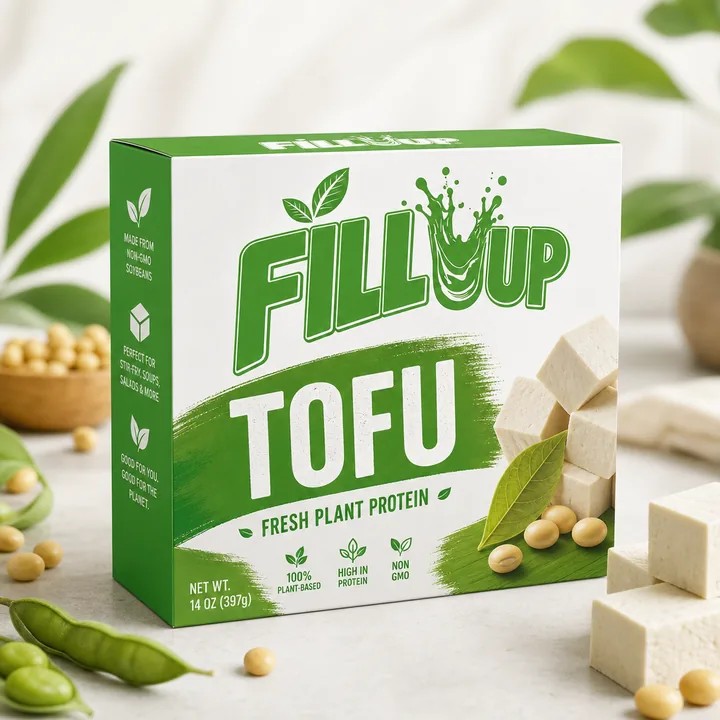
Upload your artwork and rotate the object. Look at the face customers will see first, then the face you were tempted to ignore. Check the orientation of the base, the continuity at the seam and the space around small text. Save a project before trying a second direction so that the earlier layout remains easy to revisit.
Choose with a real sample
Make a small project that represents your actual work: the right structure, a recognisable front panel and one carefully checked export. Save it and return to it before building the full layout. This gives you a practical way to assess CraftyWand as a free Pacdora alternative, from the first measurement to the finished preview.
Put the idea to work.
Choose a model, bring your own artwork and start building in CraftyWand.
Open CraftyWand free ↗Useful starting points
CraftyWand: current tools and free account access · Dieline library · Pacdora: current plans and features